
Coda
The music player for your desktop.
Beta Preview 1 · Windows 10/11 · 0.2.0
total downloads
users online
Beta Preview 1
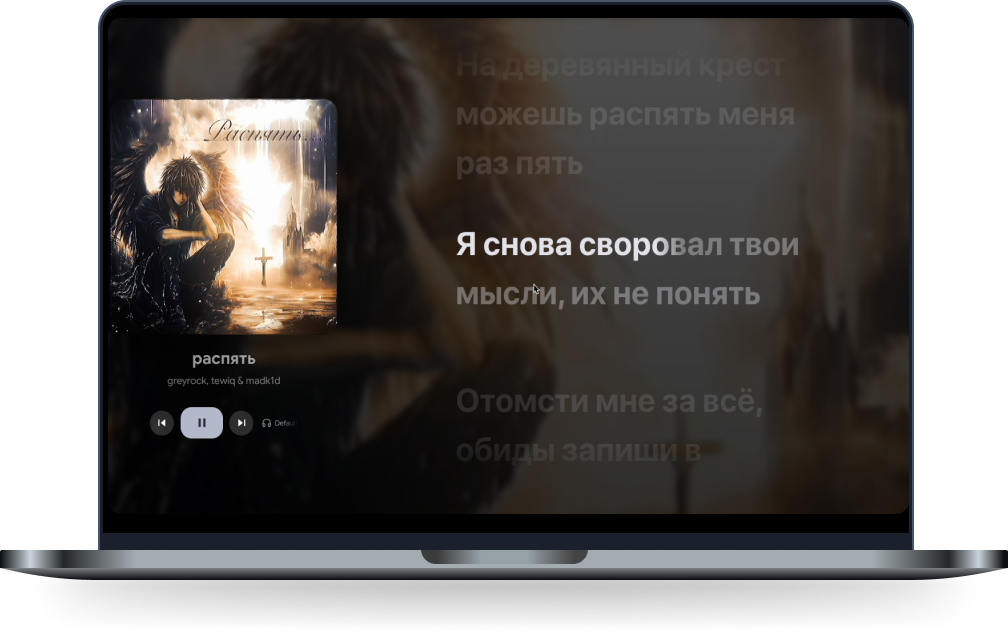
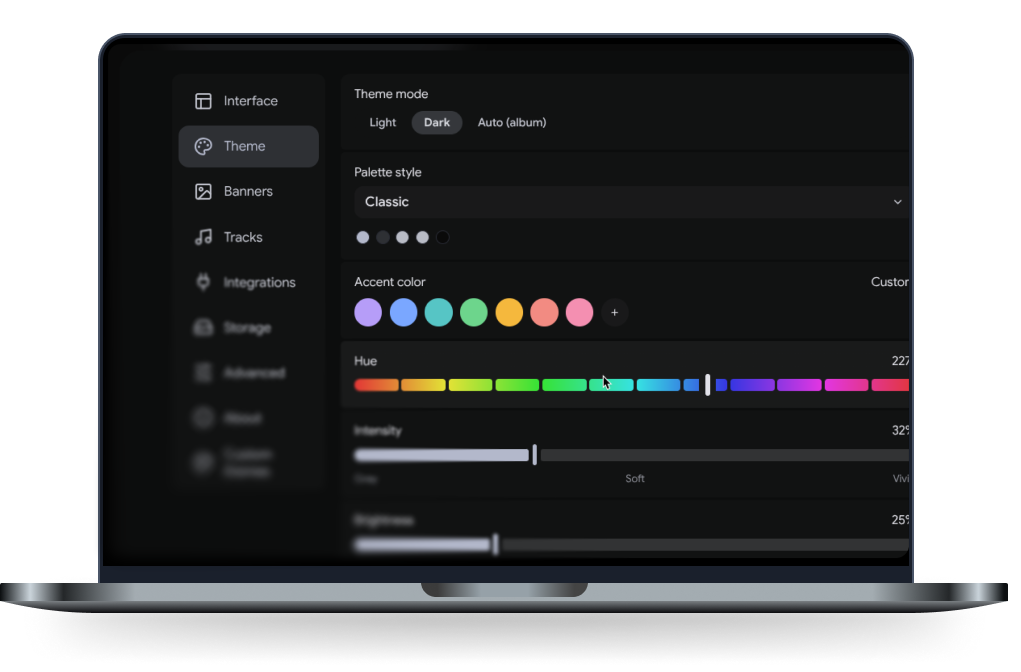
Dress it up.
Start with Dark, Light or other. Or adjust hue, saturation and brightness, set your own wallpaper, or even add custom CSS to completely redesign Coda.
Pick a color. It changes this whole page.
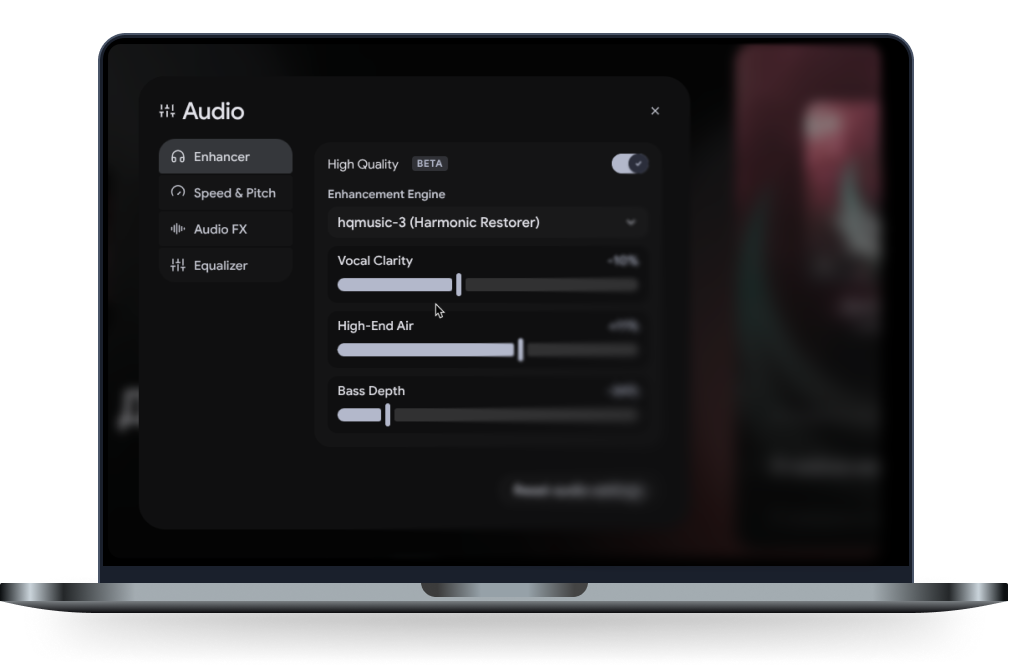
Edit tracks right in the player.
Speed up, slow, reverb and add bass-boost, shape the sound with a 10-band equalizer. Change the tempo without changing the pitch, and add reverb or distortion as you listen.
Why switch to Coda
Your music, in one place.
Bring together local files and supported streaming sources. Beta diagnostics are optional. Some remote tracks may require verification while we improve playback.
Your files, untouched.
Coda reads tags and cover art and never moves or changes the originals. Plays local files lossless.
Switch easy.
Paste a public link from Spotify, Apple Music, YouTube or SoundCloud. The tracks land in your new playlists.
Discord RPC, easier.
Show the track, artist, cover art and progress on your Discord profile. No logins like in Spotify
Keep listening.
Bounded streaming buffers and cancellable loading keep background work under control.
CODA · BETA PREVIEW 1
Make room for your music.
Version 0.2.0 · Windows 10 and 11, 64-bit.
Coda Beta Preview 1
One installer. Your playlists, profile and settings stay with you when you update.
Preparing preview…Checking the latest build…
Streaming is still being tested. Some YouTube tracks may require verification. Linux and macOS builds are not available yet.
Questions
Coda Beta Preview 1 is free to try.
Coda does not add advertising. Playback availability depends on the upstream source.
You can use your local library without a Coda account. Some streaming sources may ask you to sign in or verify access. Beta diagnostics and the public online count are optional; you choose during setup and can change your choice in Settings.
Yes. Coda plays FLAC, MP3, WAV and OGG, reads tags and album art, and lets you build playlists without touching the files.
Yes. Downloaded tracks and your local library play without a connection.
Paste the link to a public playlist. Coda turns it into a playlist in your library, including long ones with over 100 tracks.